Your profile and albums
How do I add photos to my profile?
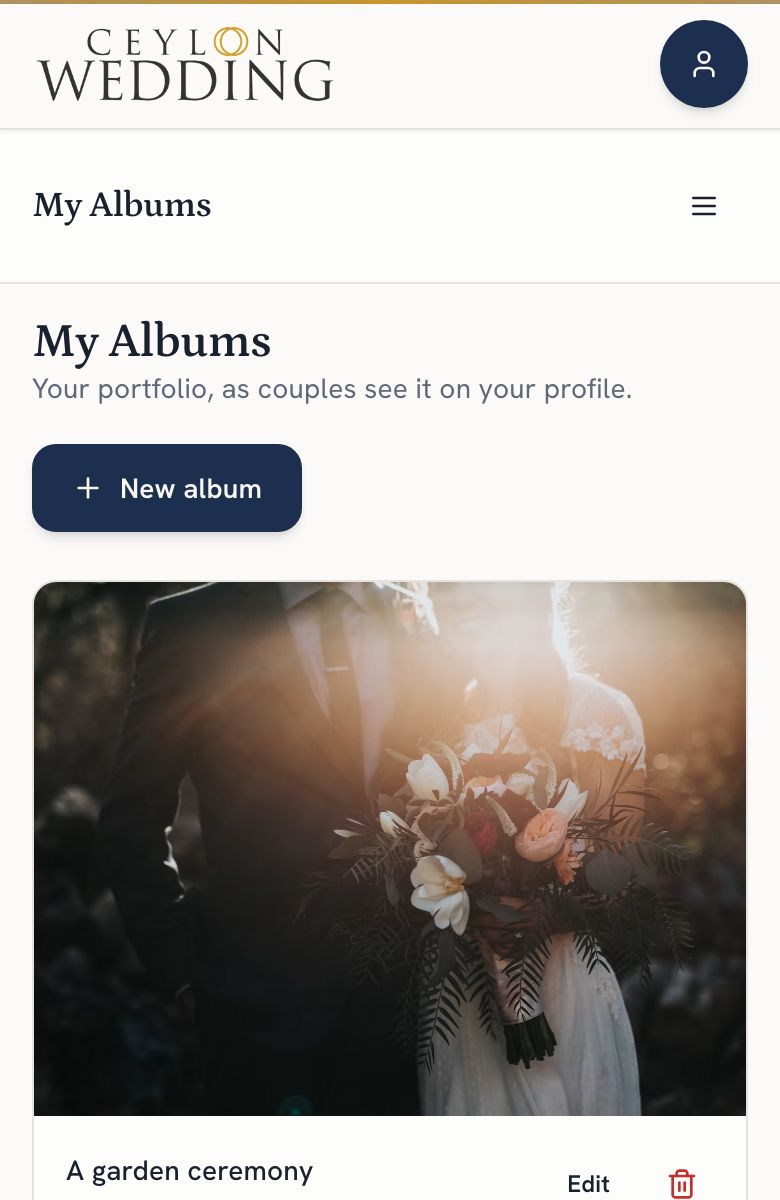
Through My Albums on your dashboard. Make an album, upload up to twenty photos, add up to four video links with a cover picture each, tag it with up to three styles, and it appears on your profile and in the Inspiration feed couples browse. Your cover photo is set on My Profile.
Albums are what couples judge you on. A listing with a good description and no photos gets skipped.
Step by step
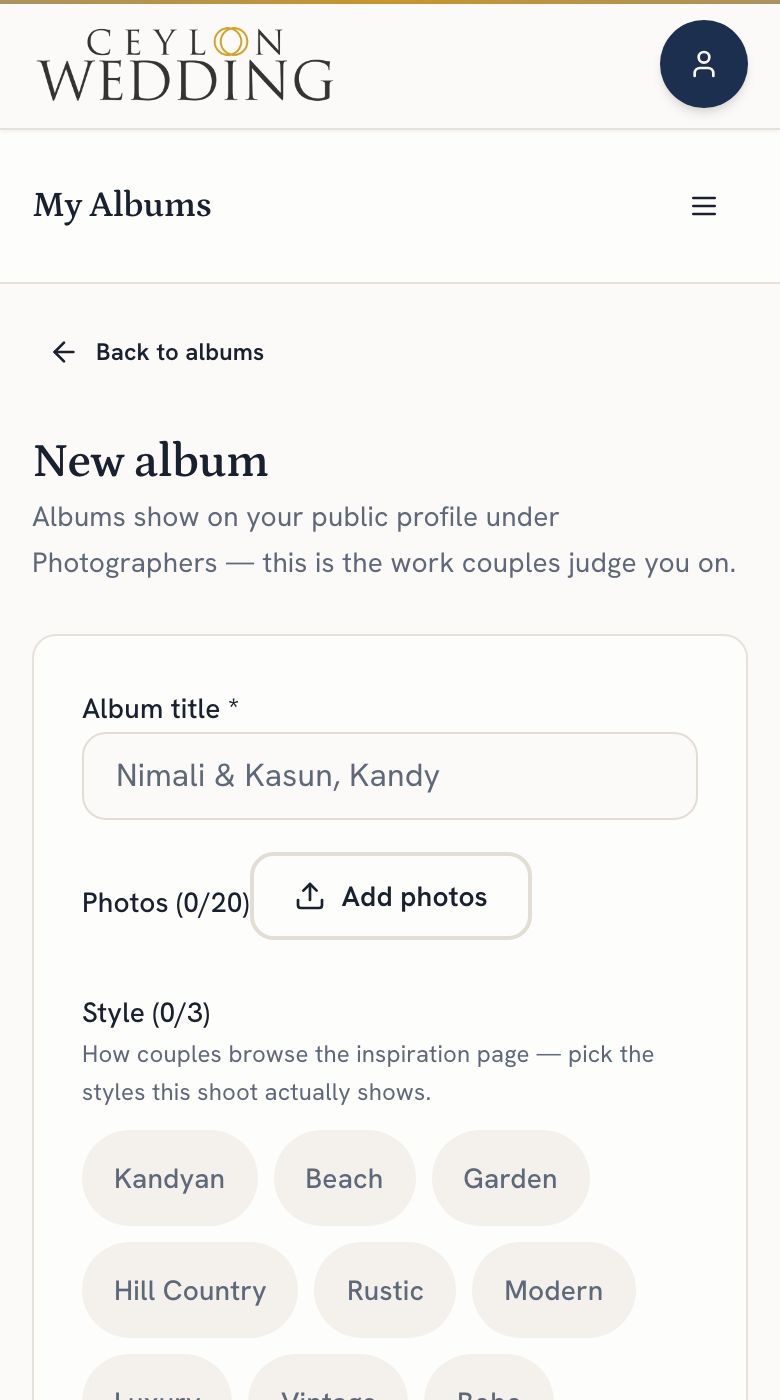
- Open My Albums and tap New album. Name it after the wedding or the work.
- Tap Add photos and choose up to twenty. Large files are resized on the way up, so send your best originals.
- Have a video of the day? Paste its YouTube, Vimeo or TikTok link under Videos and it plays on the album. The link from TikTok's Share button works. Up to four.
- Each video shows its own thumbnail until a couple presses play. If that frame does not sell the work, tap Add cover and upload the picture you would rather they saw.
- Pick up to three styles that describe it, from Kandyan to beach to hill country. Couples filter the Inspiration feed by these.
- Save. The album is on your profile and in the feed.
A couple can save any photo from an album to their moodboard, and the photo carries your name with it.
Your cover photo
The photo at the top of your profile is set on My Profile, not in an album. Choose one that reads well small, because it is also your card in the directory.