Finding and contacting vendors
How do I contact a vendor?
Every profile has a Contact section with an enquiry form. Where the business has added them, WhatsApp, Call and links to their Instagram, Facebook, website and Google listing sit beside it. WhatsApp is usually the fastest reply.
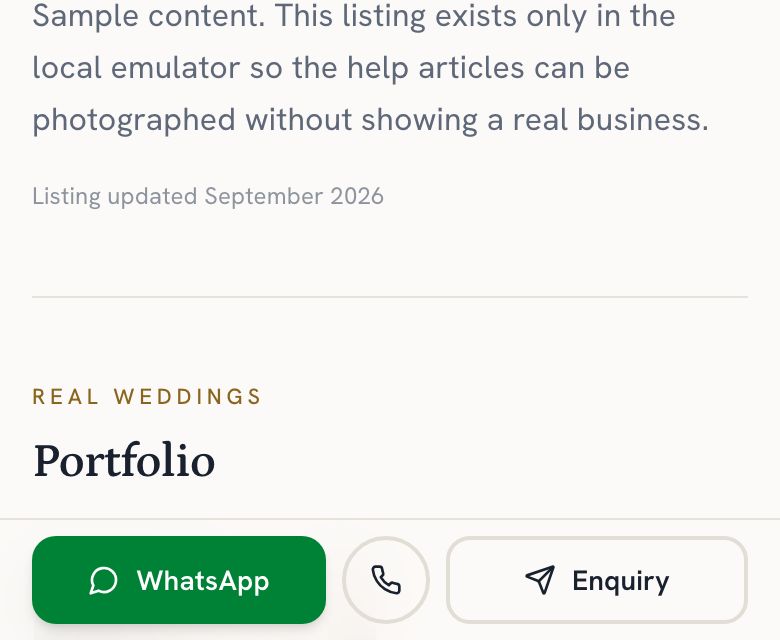
Open the vendor's profile and look for the Contact section. On a phone it is the bar at the bottom of the screen; on a larger screen it sits beside the photos.
Step by step
- Open the vendor's profile.
- Find the Contact section: the bar along the bottom of the screen on a phone, beside the photos on a larger screen.
- Tap WhatsApp, Call or Enquiry. Some profiles show only Enquiry. Enquiry asks you to sign in if you are not already.
What each option does
- WhatsApp opens a chat with the vendor's number and a short message you can edit before sending. Usually the fastest reply.
- Call dials their number.
- Enquiry opens a short form. You need to be signed in, so they know who wrote. Any reply comes straight to you.
- Instagram, Facebook, the website and Reviews on Google open the vendor's own pages, so you can see more of their work and what others have said about them elsewhere.
Vendors answer you directly, by WhatsApp, phone or email. Replies do not pass through Ceylon Wedding, and the site does not chase them for you. If you have not heard back in a few days, try a second channel. If nothing tells us an enquiry has been answered after a week, we email you once with a link to other vendors of the same kind.