Planners and your account
How do I export my data or delete my account?
Both are on My Profile under Account. Download your data gives you everything as one file. Deleting your account signs you out and takes your wedding page offline straight away, and everything is deleted after thirty days. Until then, email us and we can restore it.
Open My Profile from the account menu and go to the Account tab.
Step by step
- Open My Profile from the account menu.
- Go to the Account tab.
- Tap Download your data for the file, or delete your account from the same card.
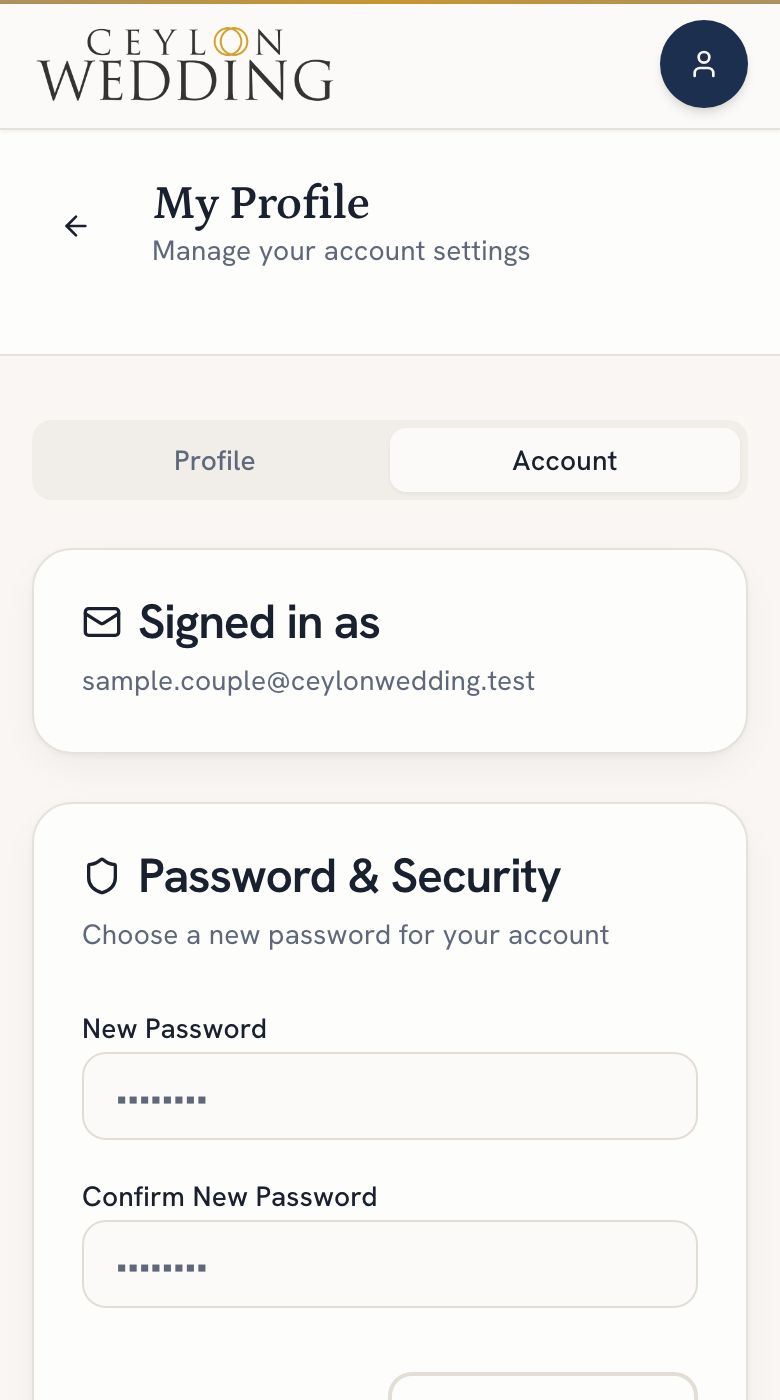
Downloading your data
Tap Download your data. It comes as a single file with your plan, your guests, your saved vendors, your page, your community posts and any Offers you claimed. Enquiries you sent to vendors are not in it, because they are the vendor's business record as well as yours.
Deleting your account
- You are signed out the moment you confirm, and you cannot sign back in.
- Your wedding page, its invitation and every RSVP link go offline straight away. If we restore your account, the page comes back as it was.
- Anyone helping you plan loses access straight away.
- Thirty days later everything is deleted permanently: your page, guest list, budget, checklist and moodboards. Your page address is released, and someone else may take it.
- Changed your mind? Email privacy@ceylonwedding.com within those thirty days and we can restore it.
If a planner is working in your wedding, tell them first. Their access ends with the account.