Finding and contacting vendors
How do I find the right vendor?
Start from a category, a destination or a style, then judge the work. Every listing has albums from real weddings, and the ones you save go on your shortlist for comparing later.
Four ways in, and they all lead to the same listings.
- By category: photographers, venues, bridal wear, decor, cakes, music and the rest.
- By destination: the city pages, from Galle and Bentota on the coast to Kandy and Ella in the hills.
- By style: Kandyan, beach, garden, hill country and more, under Filters on the Inspiration page.
- By search. It looks across vendors, albums, guides and these help articles, and a plain question gets a short answer at the top.
Step by step
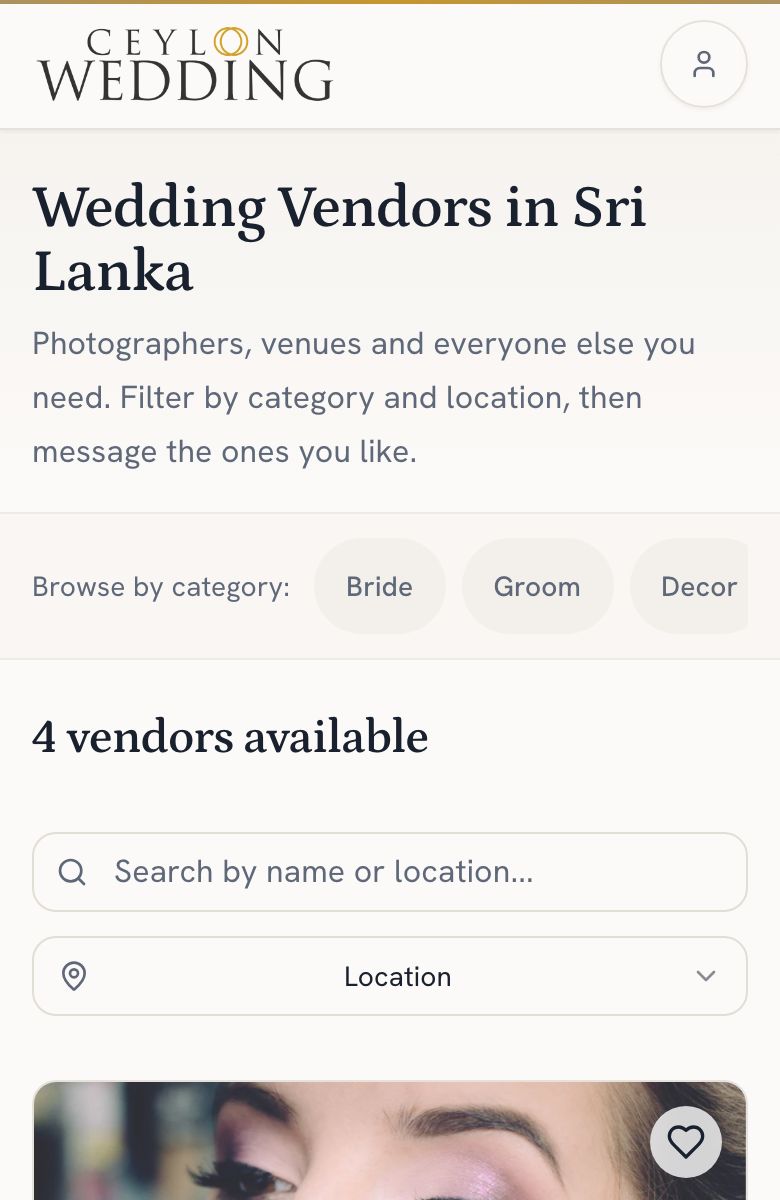
- Open the directory. On a phone, tap More, then Vendors, or tap Search in the middle of the bottom bar. On a larger screen, use the search at the top of any page.
- Narrow it by category, destination or style.
- Open a listing and go through the albums. That is the work you would be paying for.
- Tap the heart on anyone worth a second look. They go on your shortlist under Saved on your dashboard.
Judge the albums, not the description. A vendor who keeps their albums current is showing you what they will do for you.