Your wedding page
How do I publish my wedding page?
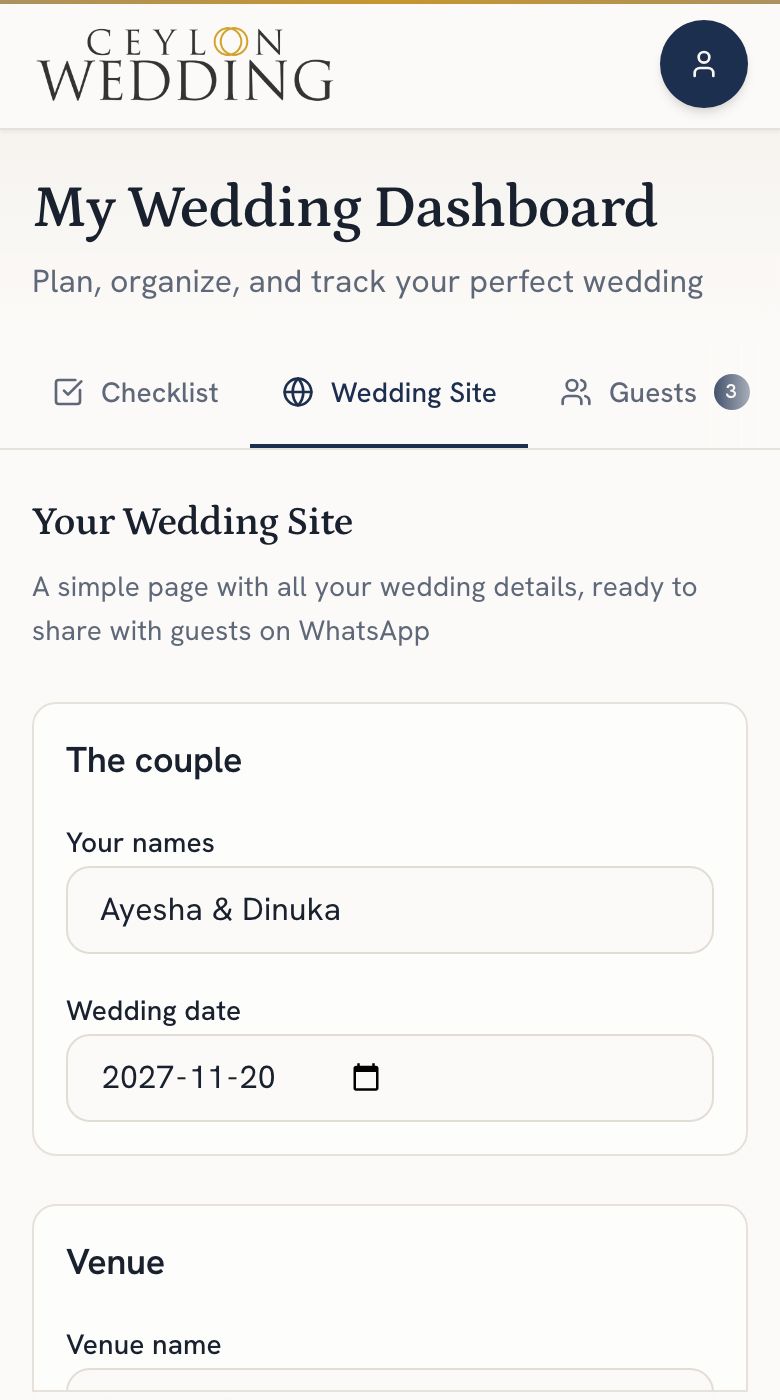
Open Wedding Site on your dashboard, fill in your names, the date, the venue and a page address, then publish. Your page is at ceylonwedding.com/w/your-address, and a Share on WhatsApp button sends it with a prewritten message.
Your page needs four things before it can go live: your names, the wedding date, the venue, and an address. If any is missing, the site tells you which when you press Publish. The first time, a short three-step setup asks for them in turn and makes the address from your names.
Step by step
- Open Wedding Site on your dashboard.
- Fill in your names, the wedding date and the venue.
- Choose an address. Suggest makes one from your names, and the editor says whether it is available.
- Publish. If anything is missing, the site says what.
- Send it with Share on WhatsApp. It opens WhatsApp with a short message and your link; change the words there before you send.
What is on the page
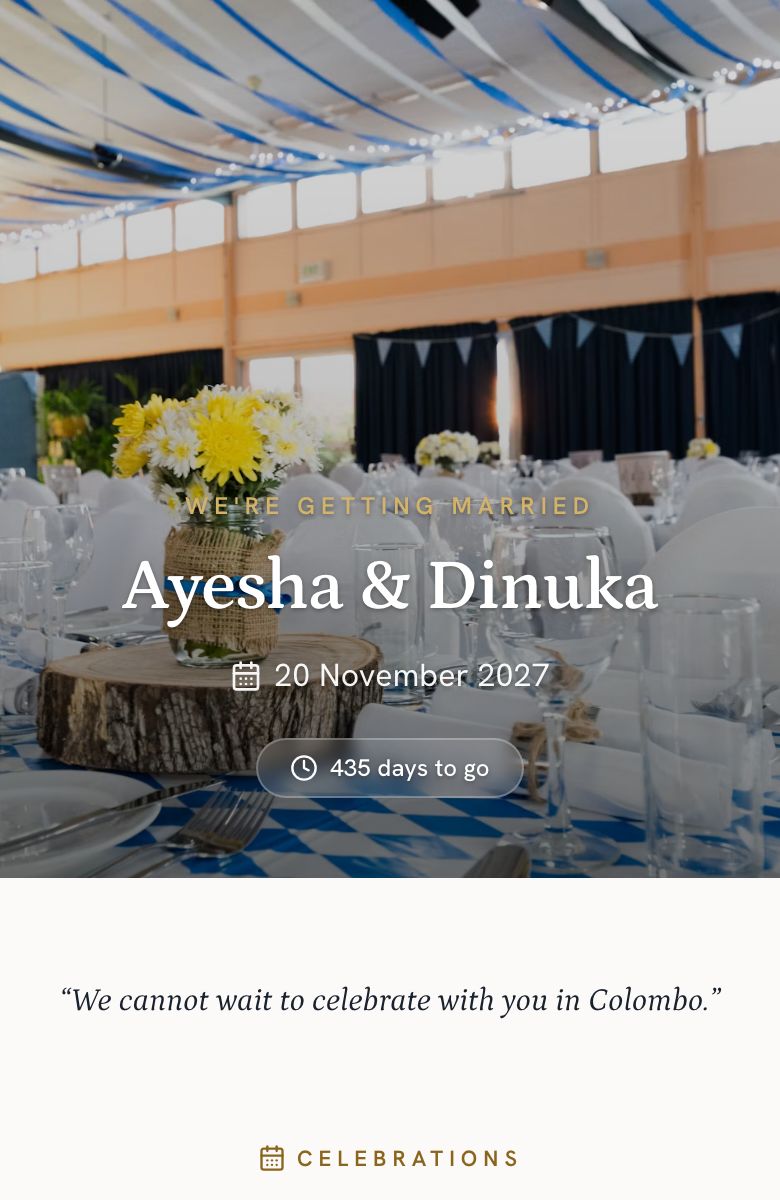
- A cover photo, your names and a countdown.
- A welcome note.
- The celebrations, each with its own date, time and venue: the poruwa, the church, the reception, the homecoming.
- Your wedding day schedule, if you choose to show it.
- The venue with a link that opens in Google Maps, and the dress code.
- An RSVP button for guests who open their personal link, if you have turned RSVPs on.
Publishing needs a confirmed email address. Accounts made with Google or an emailed link are confirmed already; if yours is not, the banner at the top of your dashboard has a Send me the link button.