Checklist, budget and moodboard
How does the checklist work?
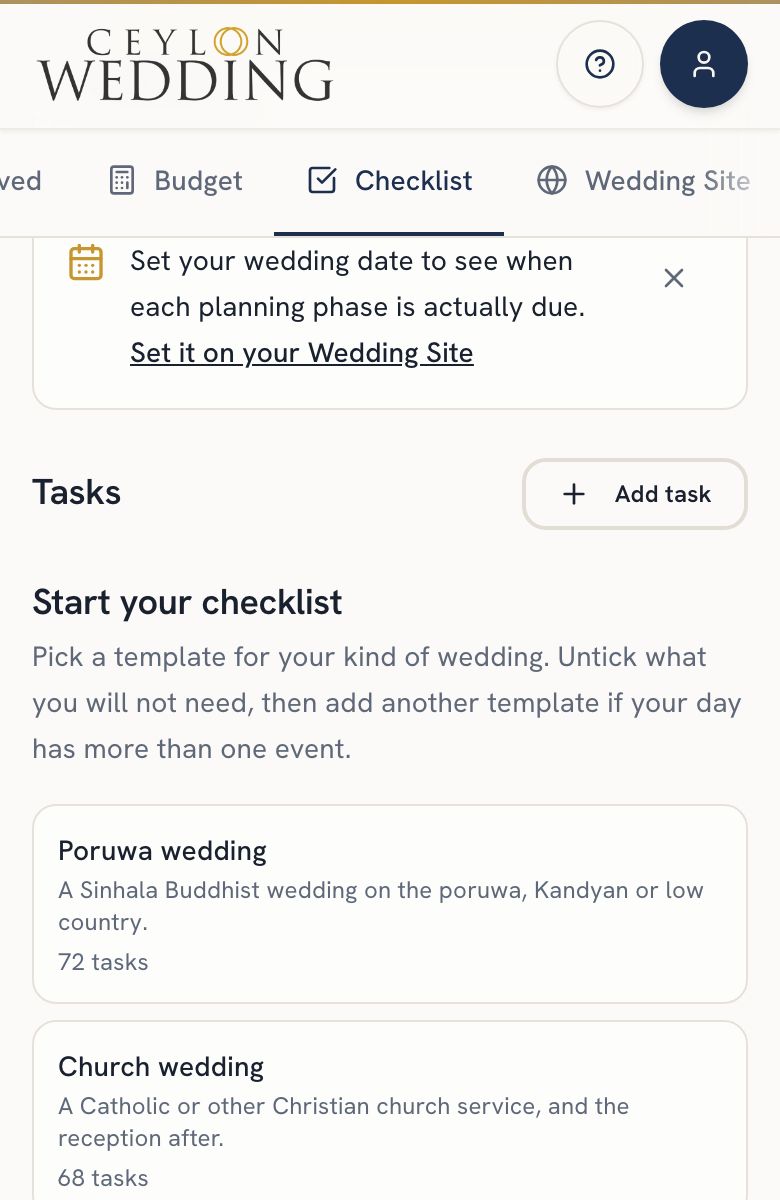
Your checklist starts empty. Open the Checklist tab, pick a template for your kind of wedding, untick anything that does not apply, and add it. Set your wedding date and every bucket gets real due dates. Tick tasks off, rename them, and add your own.
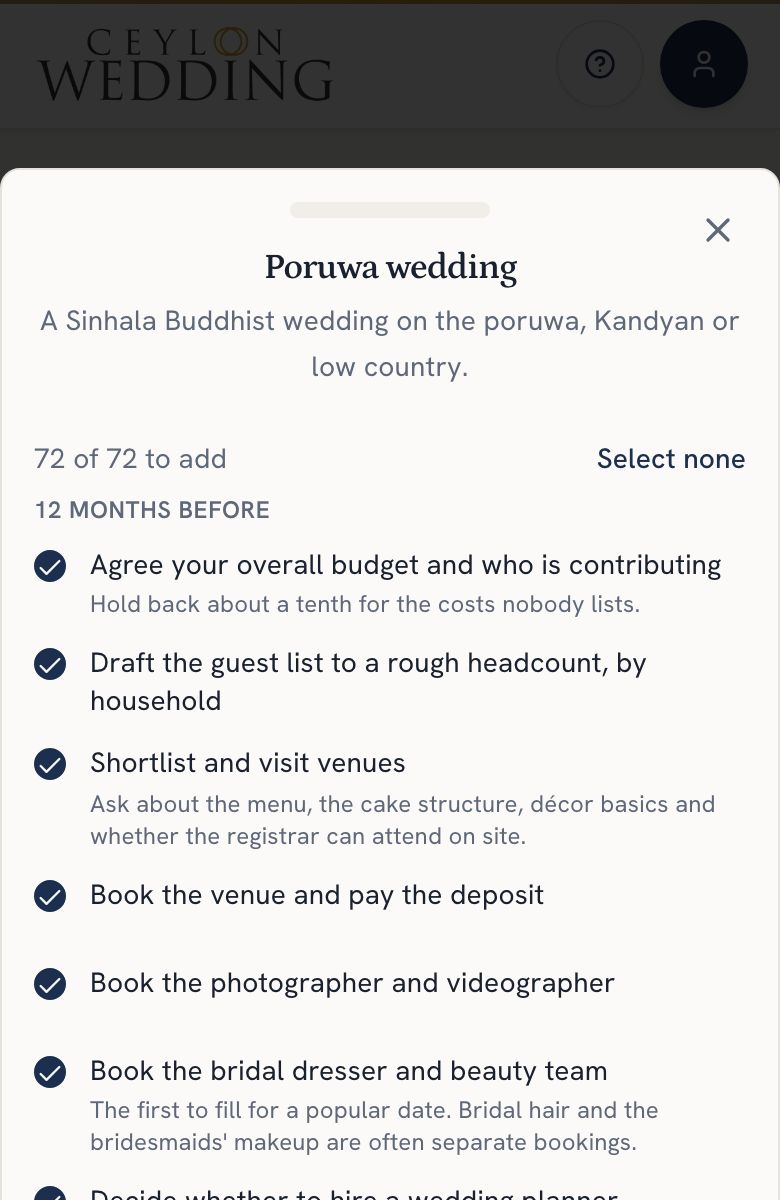
Your checklist starts empty, and you fill it from a template for your kind of wedding: poruwa, church, Hindu, nikah, walima, homecoming, or the engagement and the events before the wedding. Pick one, untick anything that does not apply, and press Add. Tasks are grouped by how far before the wedding they belong, from twelve months out to the day before.
Step by step
- Open Checklist on your dashboard. While it is empty, the templates are right there. Once it has tasks, tap Templates on a phone; on a larger screen they sit beside your list.
- Tap a template to see its tasks. Everything starts ticked. Untick what you will not need.
- Press Add, which shows how many tasks it will add. A task you already have shows as already on your list and is never added twice.
- Add another template if your wedding has more than one event. A poruwa, a church blessing and a homecoming is common.
- Set your wedding date on the Wedding Site tab if you have not already, so every bucket turns into due dates.
Tick a task off when it is done. Tap the pencil to rename it, move it to another time before the wedding, or add a short note. Use Add task for your own, and the bin for the ones that do not apply.
Some tasks carry a note where a fact matters, such as the days that must pass after notice to the registrar.
A planner you have invited can edit the checklist with you.