Enquiries and the Lead Inbox
What is the Lead Inbox, and what do New, Responded and Closed mean?
The Lead Inbox holds every enquiry sent through your profile's form, with the couple's name, contact details and message. Mark each New, Responded or Closed so you can see what still needs an answer.
Open Lead Inbox on your dashboard. Each row is one enquiry from the form on your profile, with who wrote, how to reach them, and what they said.
Step by step
- Open Lead Inbox on your dashboard.
- Open an enquiry. The couple's name, contact details and message are there.
- Reply to them directly, by WhatsApp, phone or email.
- Tap Mark Responded so it stops looking like work. Close it when the conversation is over.
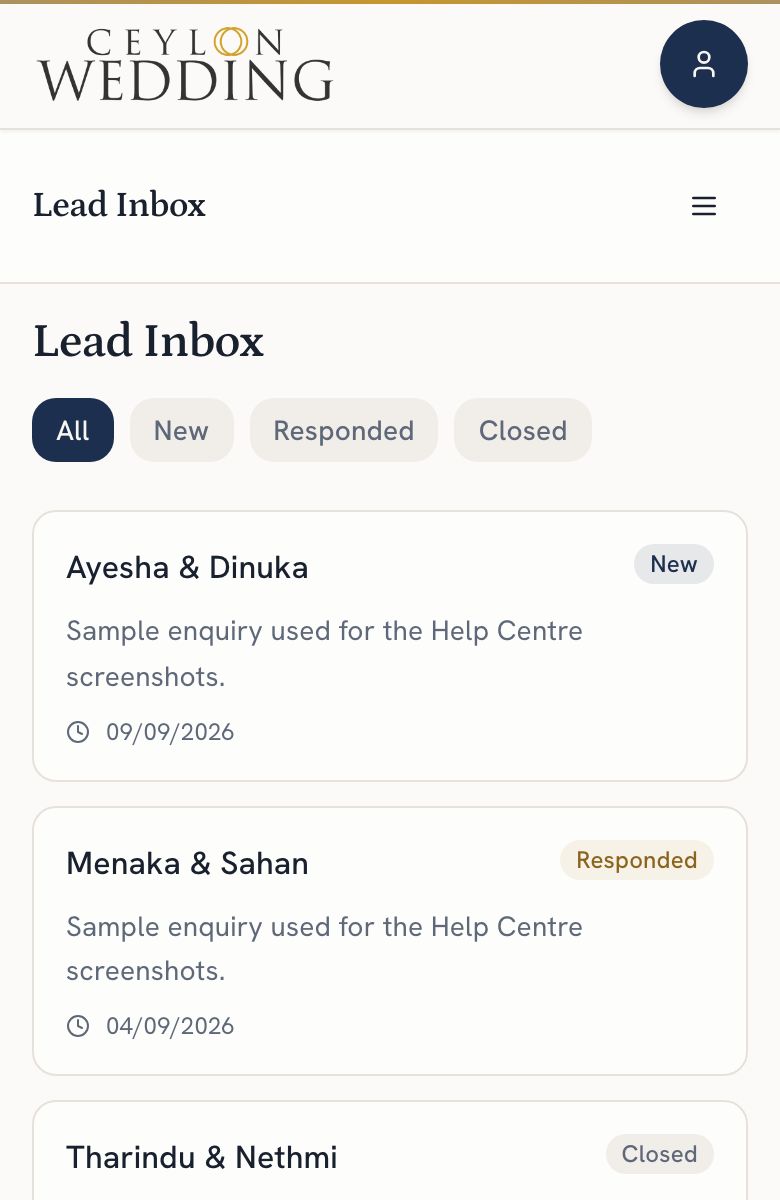
- New: nobody has answered yet.
- Responded: you have replied, by whatever means.
- Closed: the conversation is over, whichever way it went.
WhatsApp chats and phone calls do not appear here, because they never touched the site. The Analytics tab counts how many times each channel was tapped, which is the nearest thing to a record of them.